
Communication
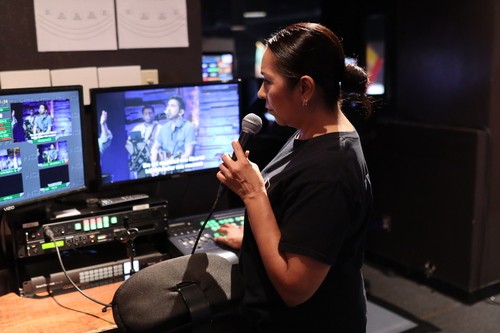
Communication is one of the most important parts of being a camera director. Throughout the entire service, you’ll stay in constant contact with your camera operators in calling out shots, giving adjustments, and ensuring everyone is on the same page.
We use an intercom system to communicate. On the intercom panel, you’ll see buttons for each camera:
NOTE: Always speak clearly and keep the microphone close to your mouth so that camera operators can hear you without confusion.
We use an intercom system to communicate. On the intercom panel, you’ll see buttons for each camera:
- Red Buttons: These indicate the camera(s) you are currently talking to. (Camera 1, Camera 2, and Camera 3)
- Green Buttons: These are inactive and not in use during service.
- Mute Button:
- Green = Your mic is unmuted and live.
- Red = Your mic is muted.
NOTE: Always speak clearly and keep the microphone close to your mouth so that camera operators can hear you without confusion.
Terminology
As a Camera Director, you’ll guide the service using specific terminology. This “special communication” allows the director and camera operators to move in sync, quickly, clearly, and without confusion.
Understanding these terms is essential to operate as part of the team and respond correctly in real time.
Below is the terminology we use:
1. Zoom in/out
2. Zoom in slowly and zoom out slowly
3. Full Stage
4. Full Body Shot
5. 1/2 Body Shot
6. 3/4 Body Shot
7. 'Pan' Shot
Understanding these terms is essential to operate as part of the team and respond correctly in real time.
Below is the terminology we use:
1. Zoom in/out
2. Zoom in slowly and zoom out slowly
3. Full Stage
4. Full Body Shot
5. 1/2 Body Shot
6. 3/4 Body Shot
7. 'Pan' Shot